Code from anywhere. Even your phone
Run Claude Code, Cursor & Codex from your phone, browser, VS Code or API
Works with the tools you already use








Three steps to cloud-first AI development
No SSH tunnels. No tmux hacks. No VPN configs. Just launch and code from anywhere.
Start from anywhere
Kick off a session from your phone, browser, Linear/Jira, or API
Continue in your IDE
Pick up the same session in VS Code or Cursor over SSH. All your files and changes will be there
Agents keep running
Sessions persist in cloud environments you can test against
Start on your phone, continue in VS Code
One session, any device. Kick off a coding task from your phone while commuting, then pick up the exact same session in your IDE when you reach your desk. The environment keeps running. Your context stays intact.
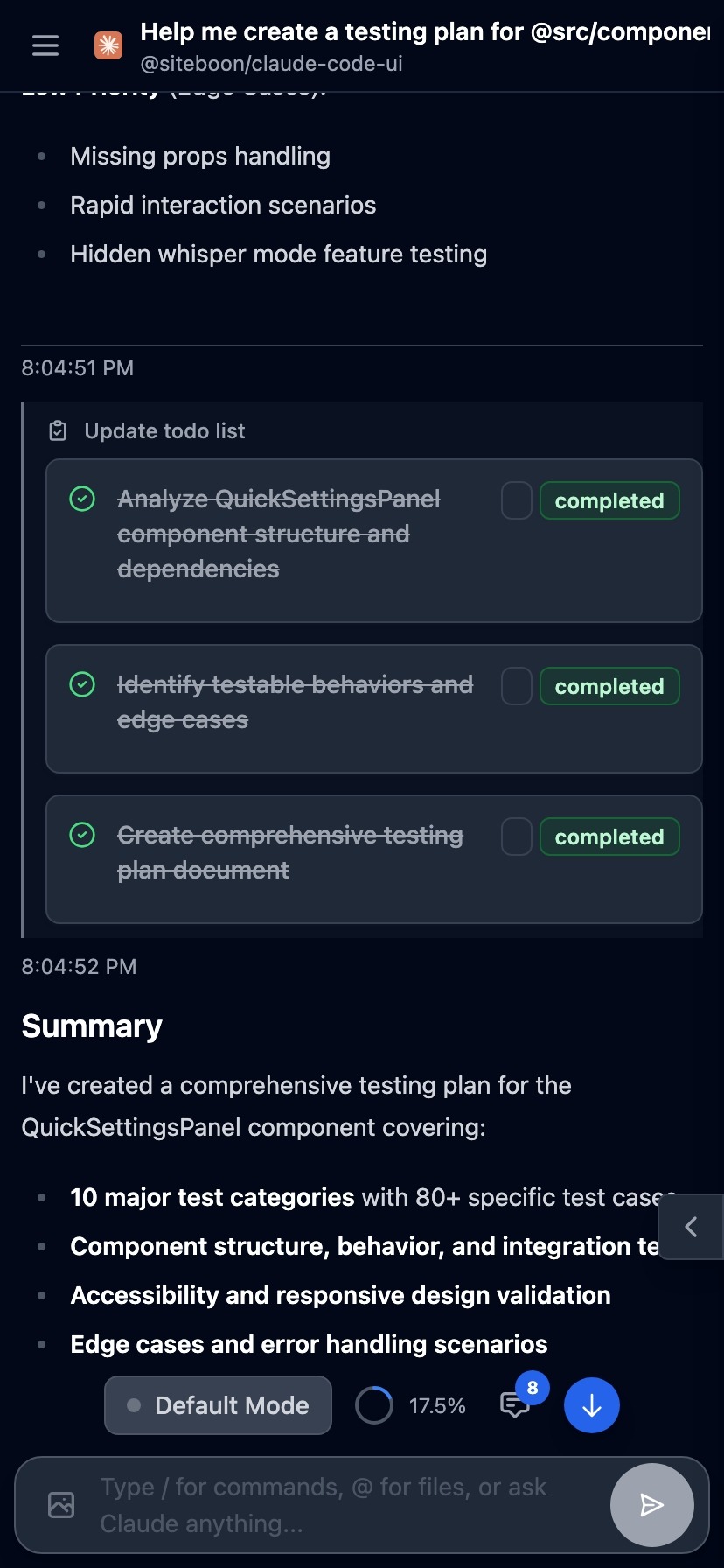
Start here
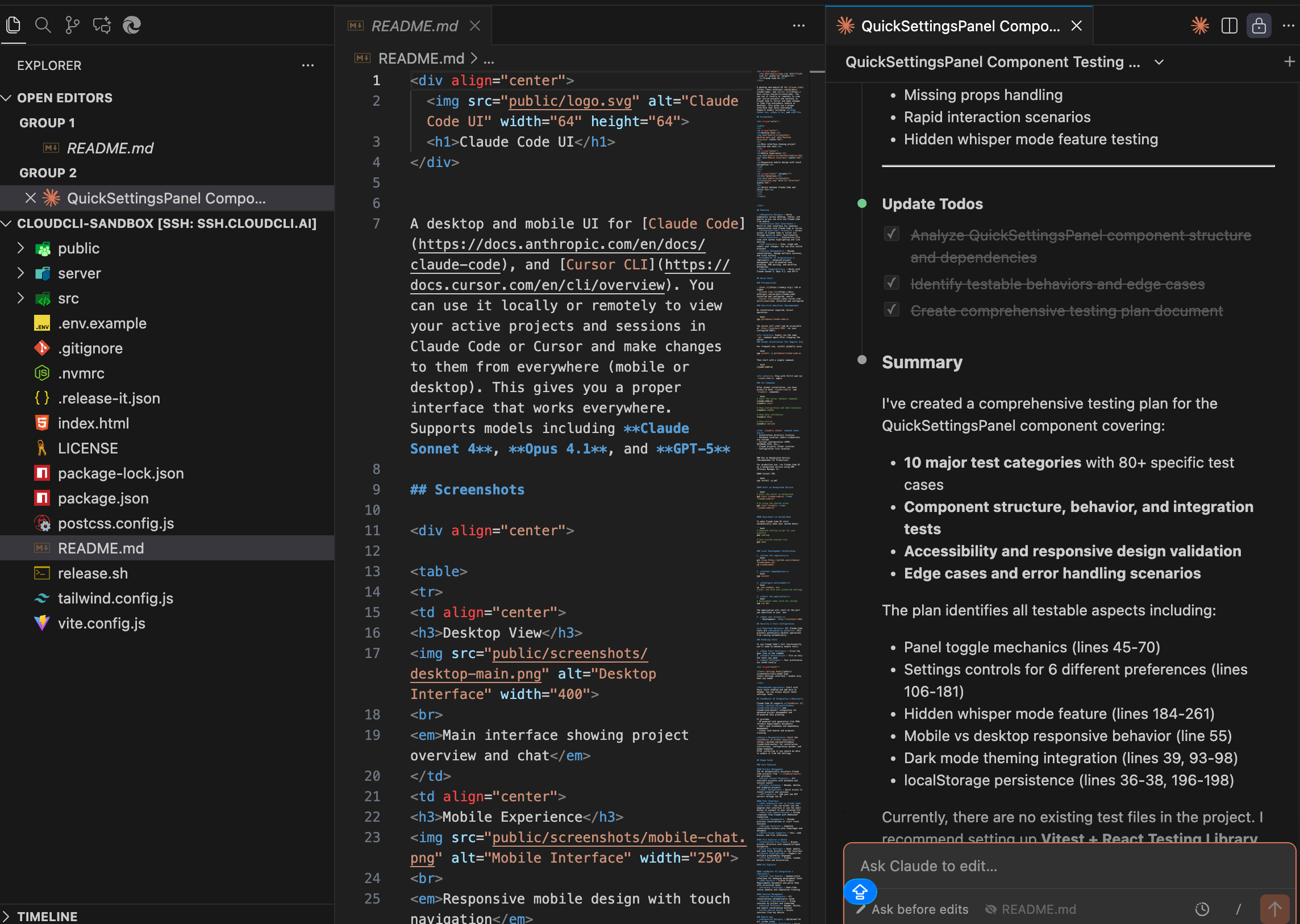
Continue here
Bring your own agent, bring your own key
Claude Code, Cursor CLI, Codex, Gemini. Use whichever AI coding agent you prefer. CloudCLI provides the persistent environments, cross-device access, and a real UI. No lock-in.




Share environments, context, and configurations
Stop copying .env files and context docs. Share environments, MCP servers, and configurations across your team. Everyone starts with the same setup. Onboard new developers in minutes
Works with every major AI coding agent
Claude CodeCursor CLICodexSimple, usage-based pricing
Simple, usage-based pricing
Ready to ship faster?
Create your free cloud environment and start building with AI coding agents.